Project 6: Deferred Shader ------------------------------------------------------------------------------- Fall 2013 -------------------------------------------------------------------------------
INTRODUCTION: ------------------------------------------------------------------------------- In this project, I was introduced to the basics of deferred shading. I wrote GLSL and OpenGL code to perform various tasks in a deferred lighting pipeline such as creating and writing to a G-Buffer.
The features I implemented include toon shading, bloom effect, screen space ambient occlusion, and point lights.
RENDERS: -------------------------------------------------------------------------------
Here are some screenshots:
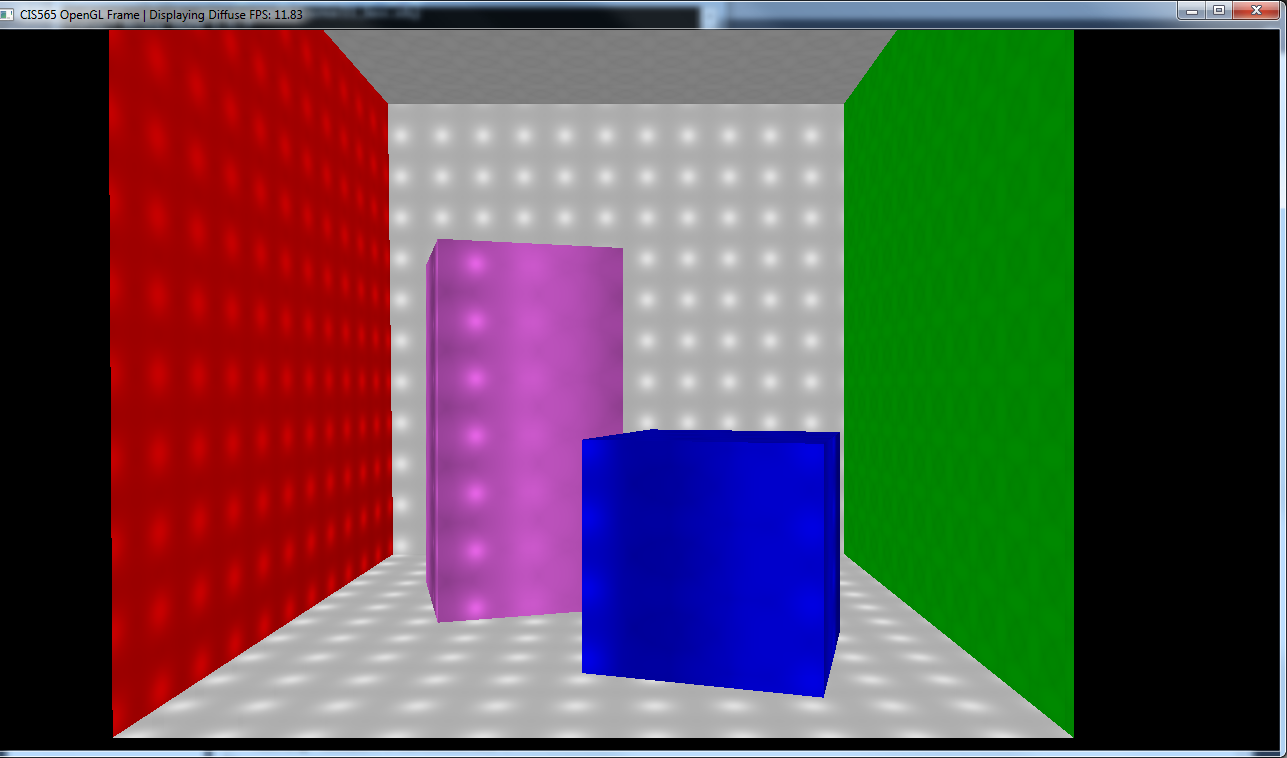
diffuse with point light sources
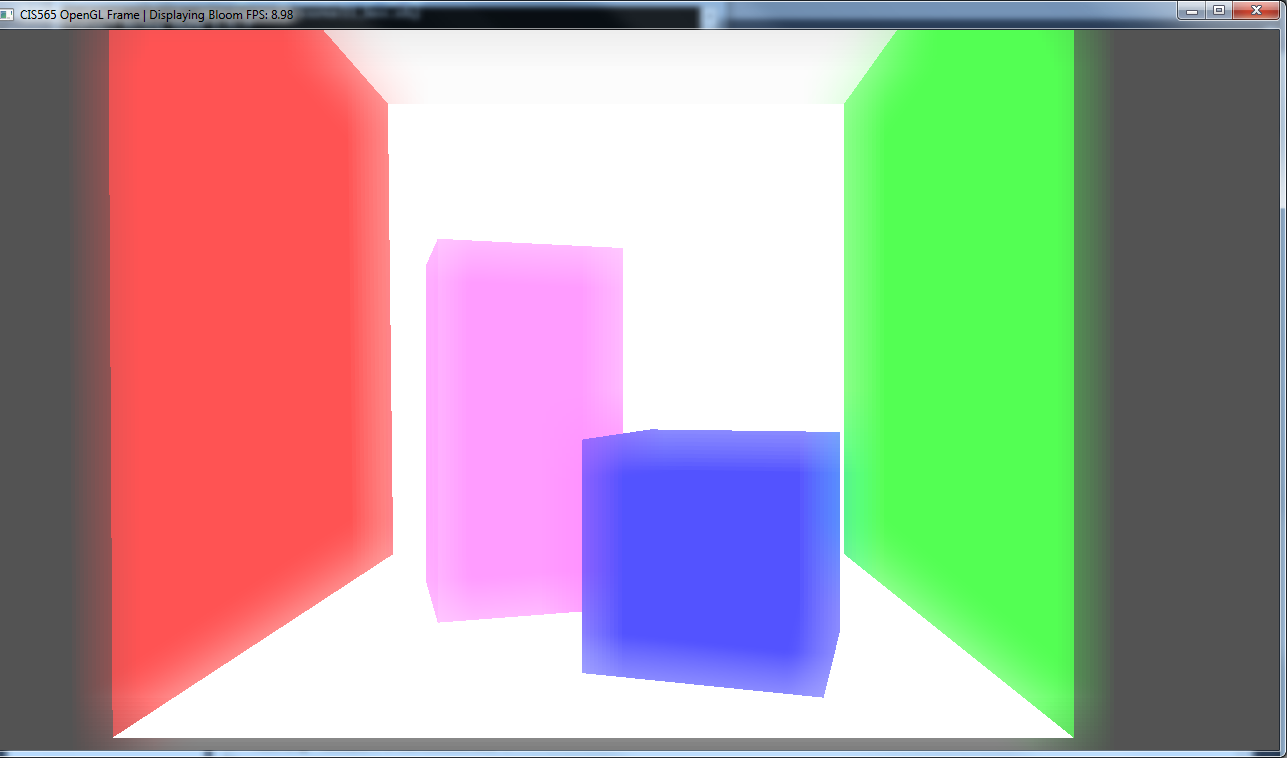
bloom effect
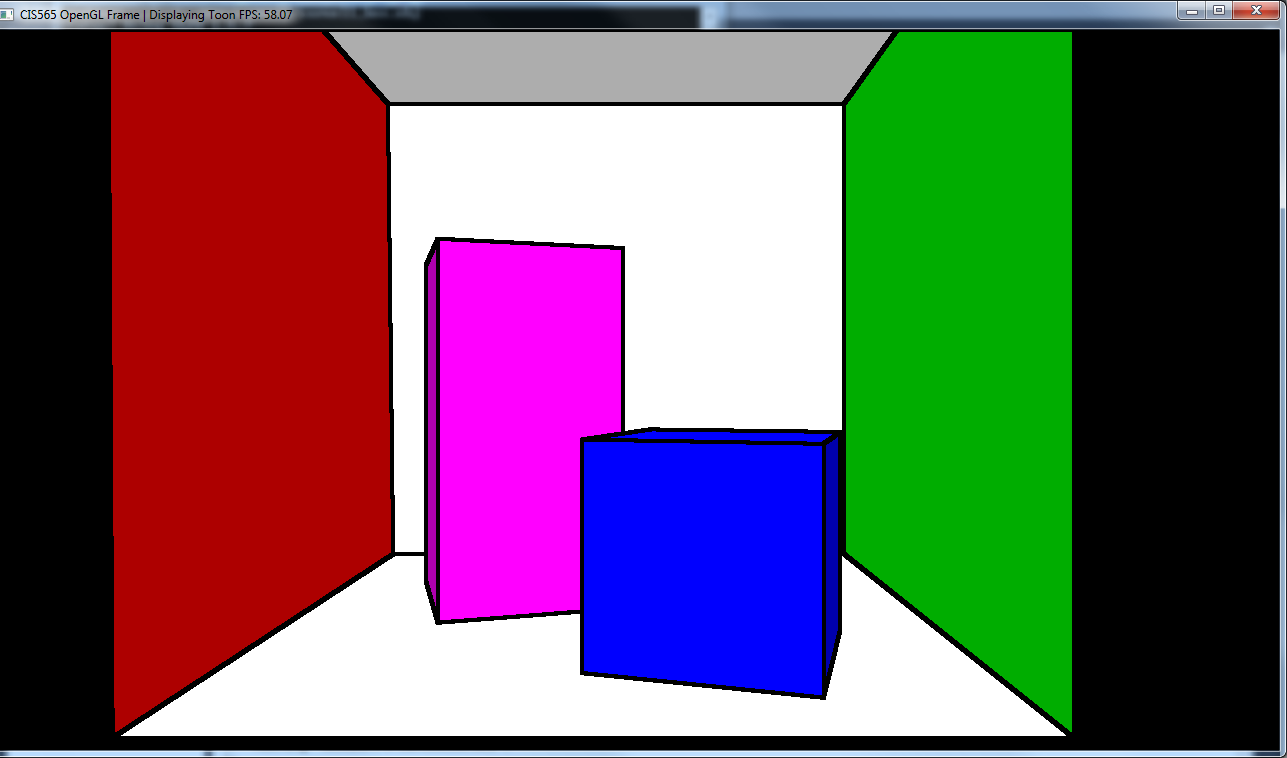
toon effect
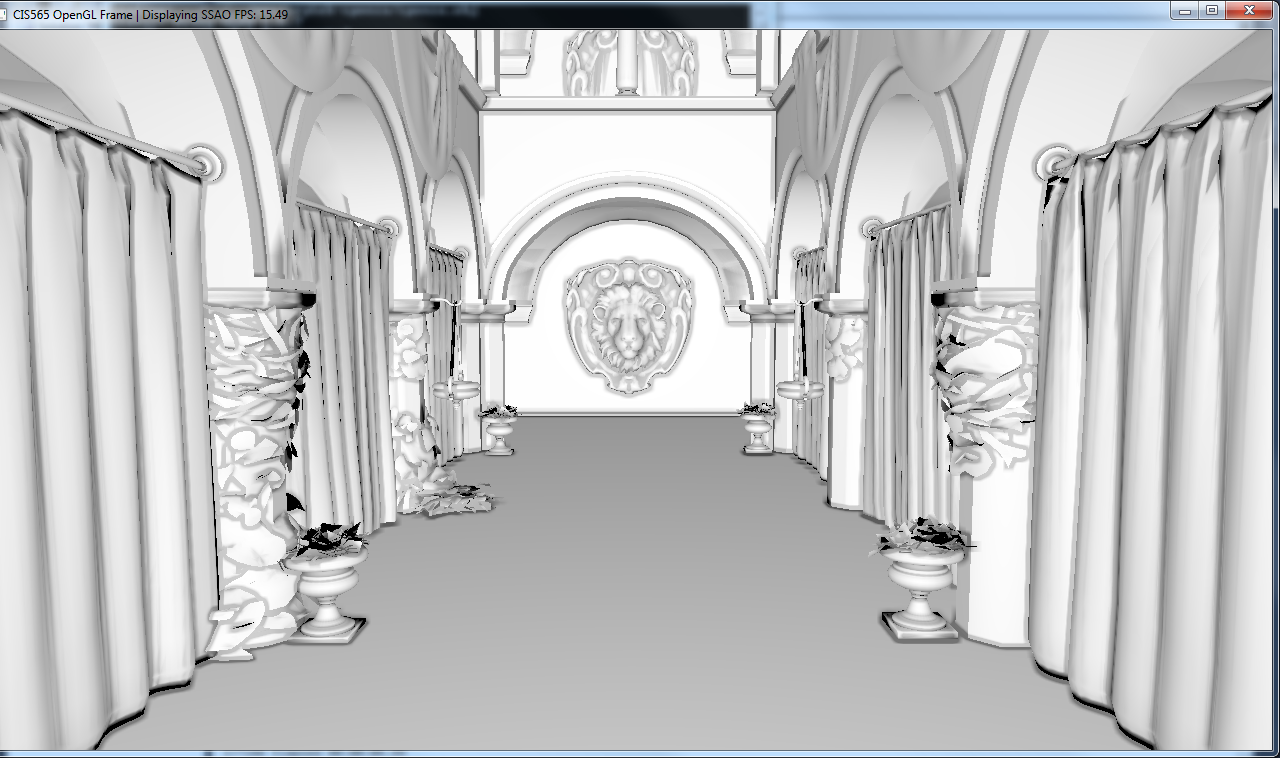
screen space ambient occlusion
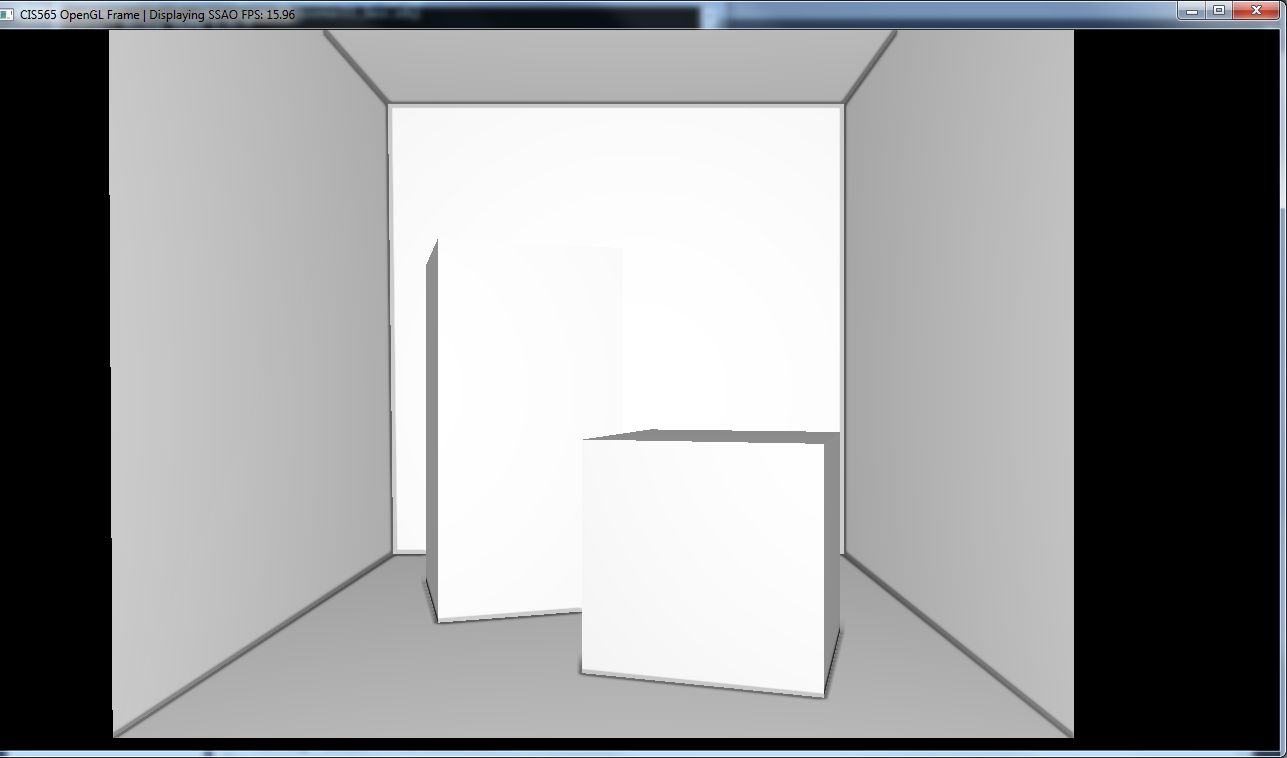
screen space ambient occlusion
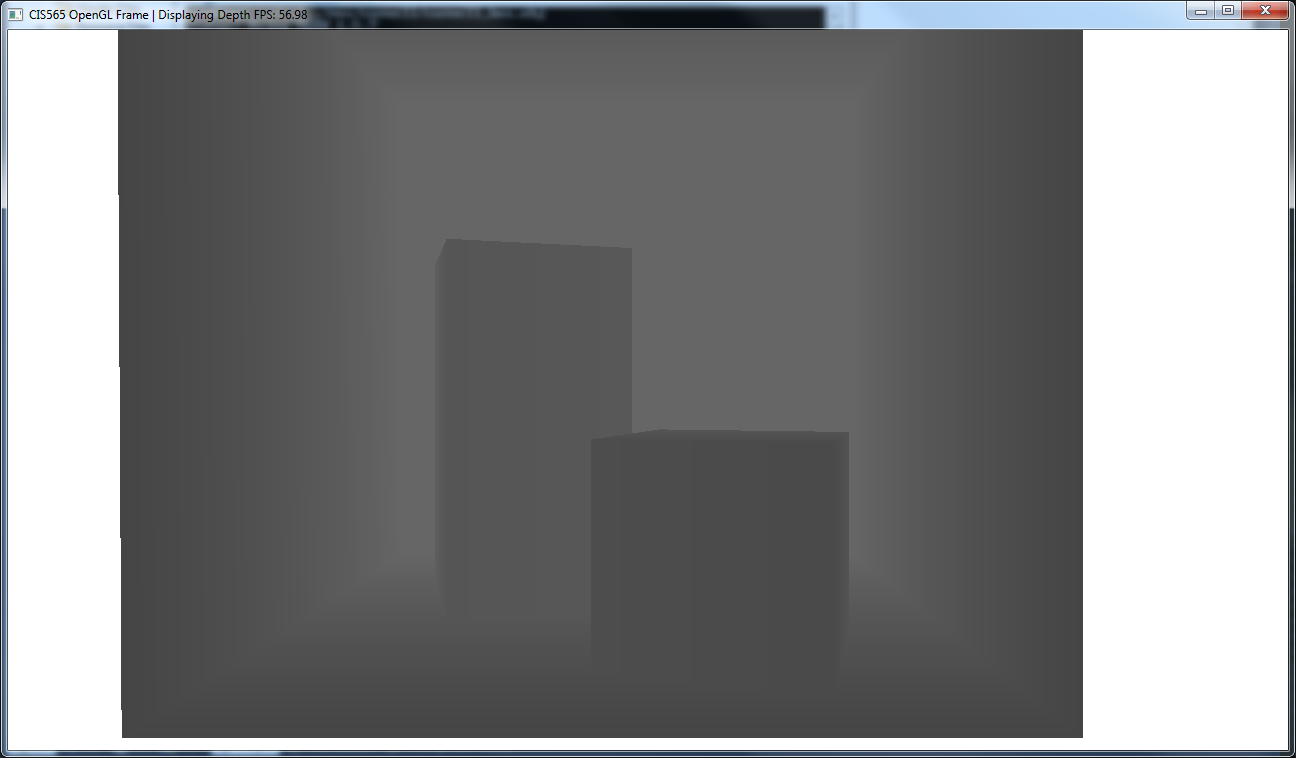
depth mode
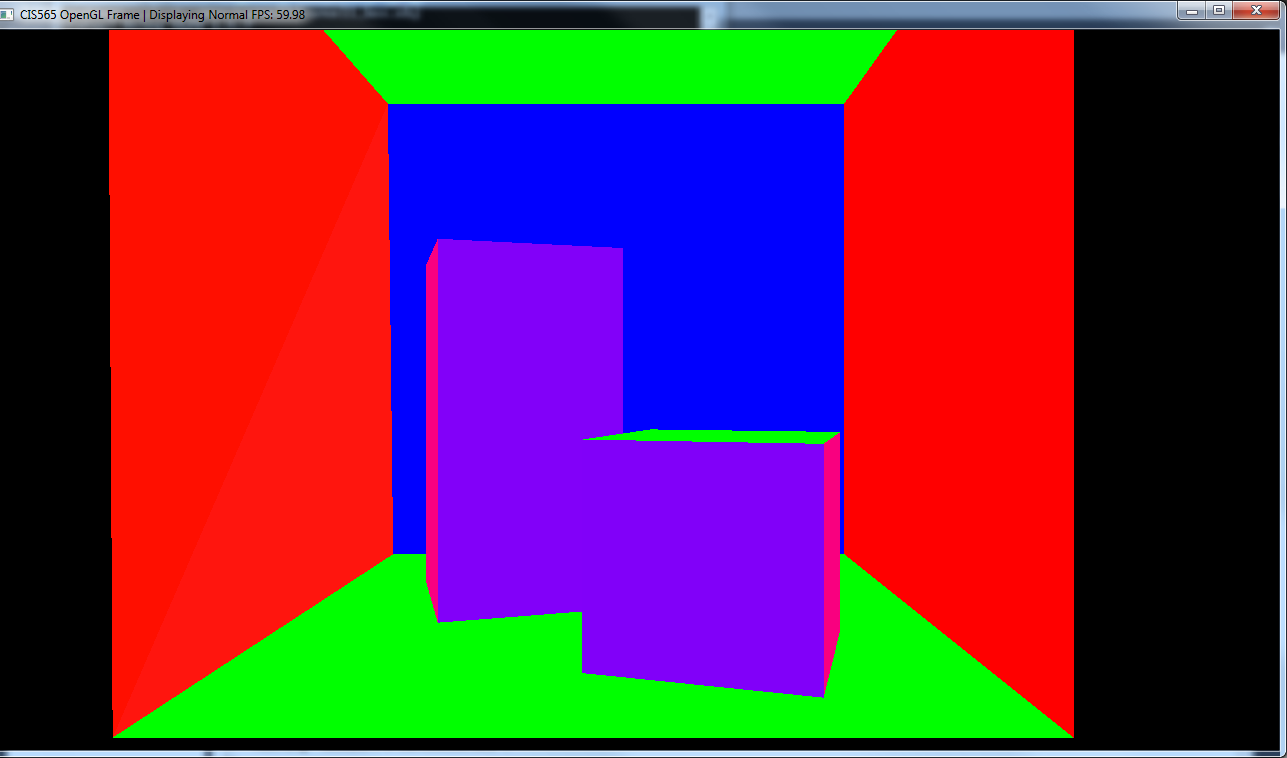
normals mode
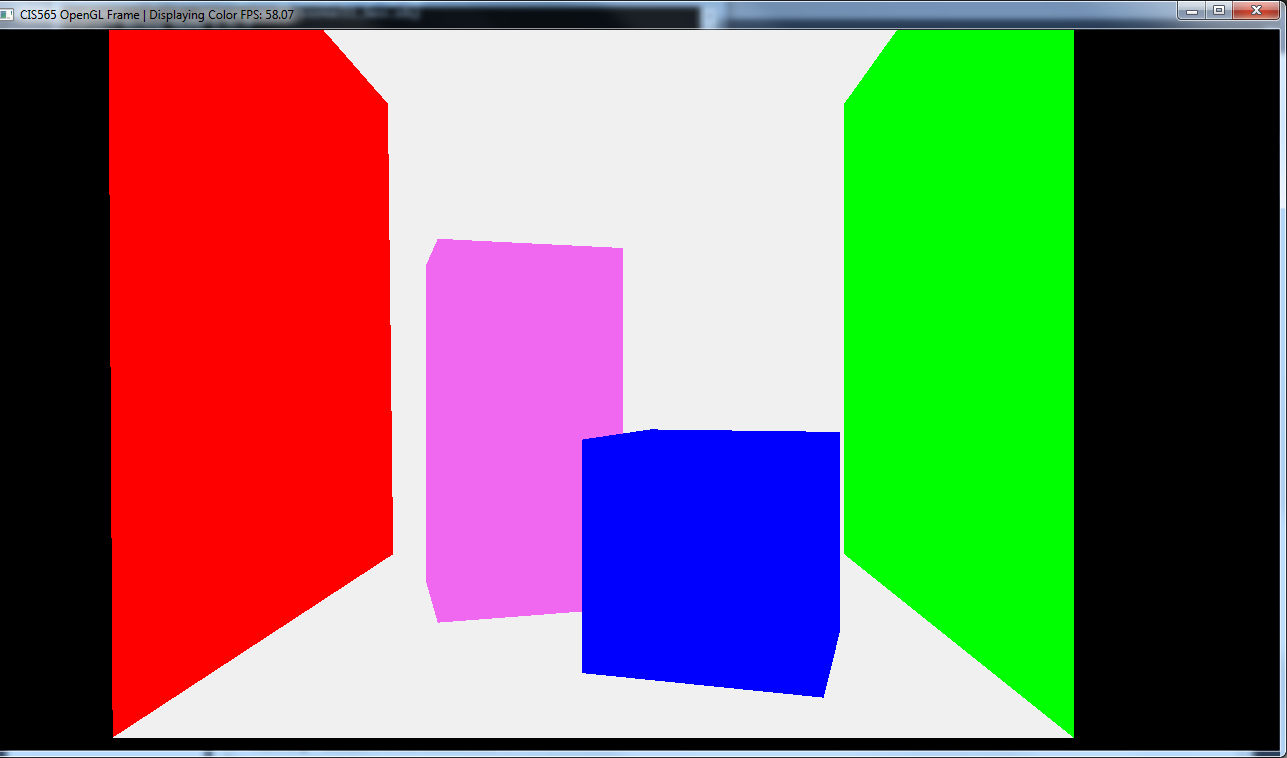
color mode
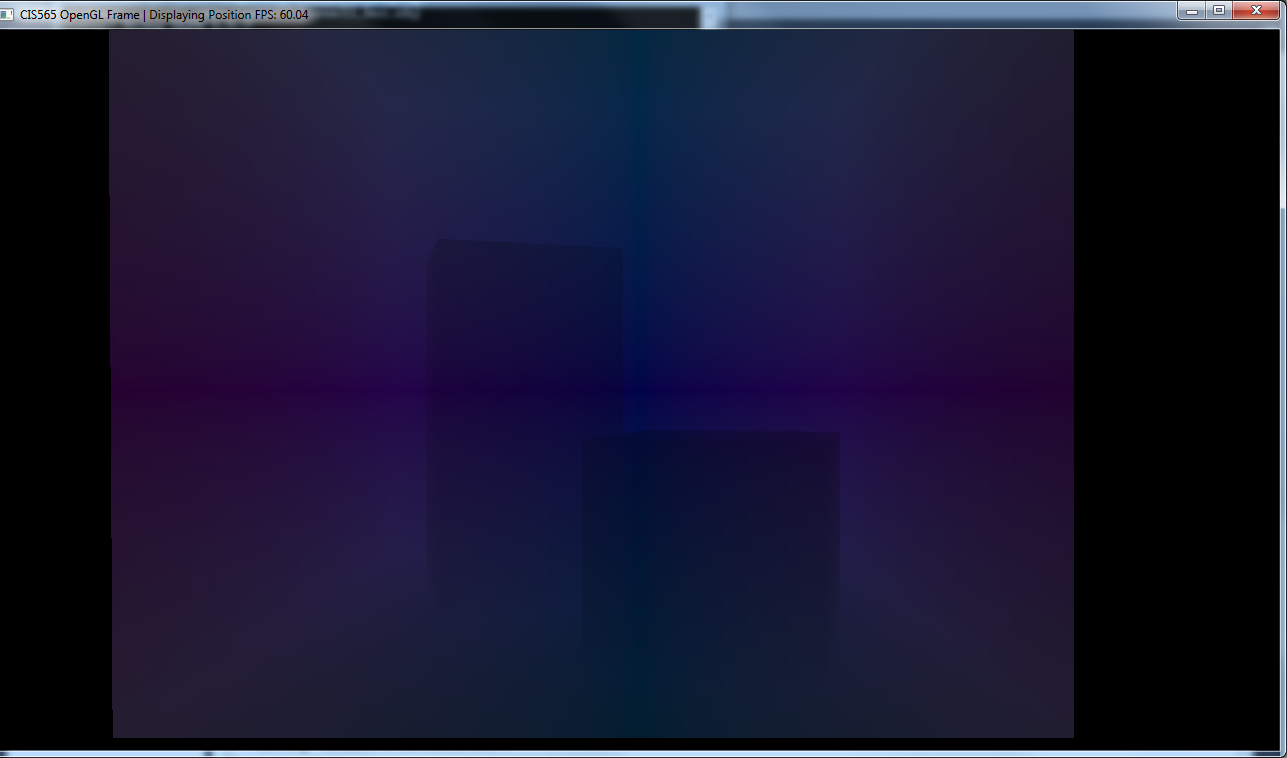
screen space position mode
Here's a video: http://www.youtube.com/watch?v=LJ39Sb76KdU
PERFORMANCE REPORT: -------------------------------------------------------------------------------
A performance analysis on how the number of point lights affects the frame rate.
| Number of Lights | Frames per Second |
|---|---|
| 1 | ~60 fps |
| 8 | ~60 fps |
| 27 | ~60 fps |
| 64 | ~60 fps |
| 125 | ~60 fps |
| 216 | ~34 fps |
| 343 | ~23 fps |
| 512 | ~18 fps |
| 729 | ~15 fps |
| 1000 | ~13 fps |
| 1331 | ~12 fps |
| 1728 | ~12 fps |
| 2197 | ~12 fps |
| 2744 | ~12 fps |
Because there's the frame rate is capped to the 60 fps refresh rate of my computer's display, it's not surprising that the first 5 entires are all around 60 fps. However, what seems to be interesting is that once the number of points lights reaches a certain number, the frame rate doesn't drop off anymore.
Despite the fact that my backface culling was a naive implementation, it still succeeded in speeding up my code. With the ability to ignore faces that weren't facing the camera, my rasterizer was able to show a rather decent speed up in the amount of time it took to compute and rasterize each frame.