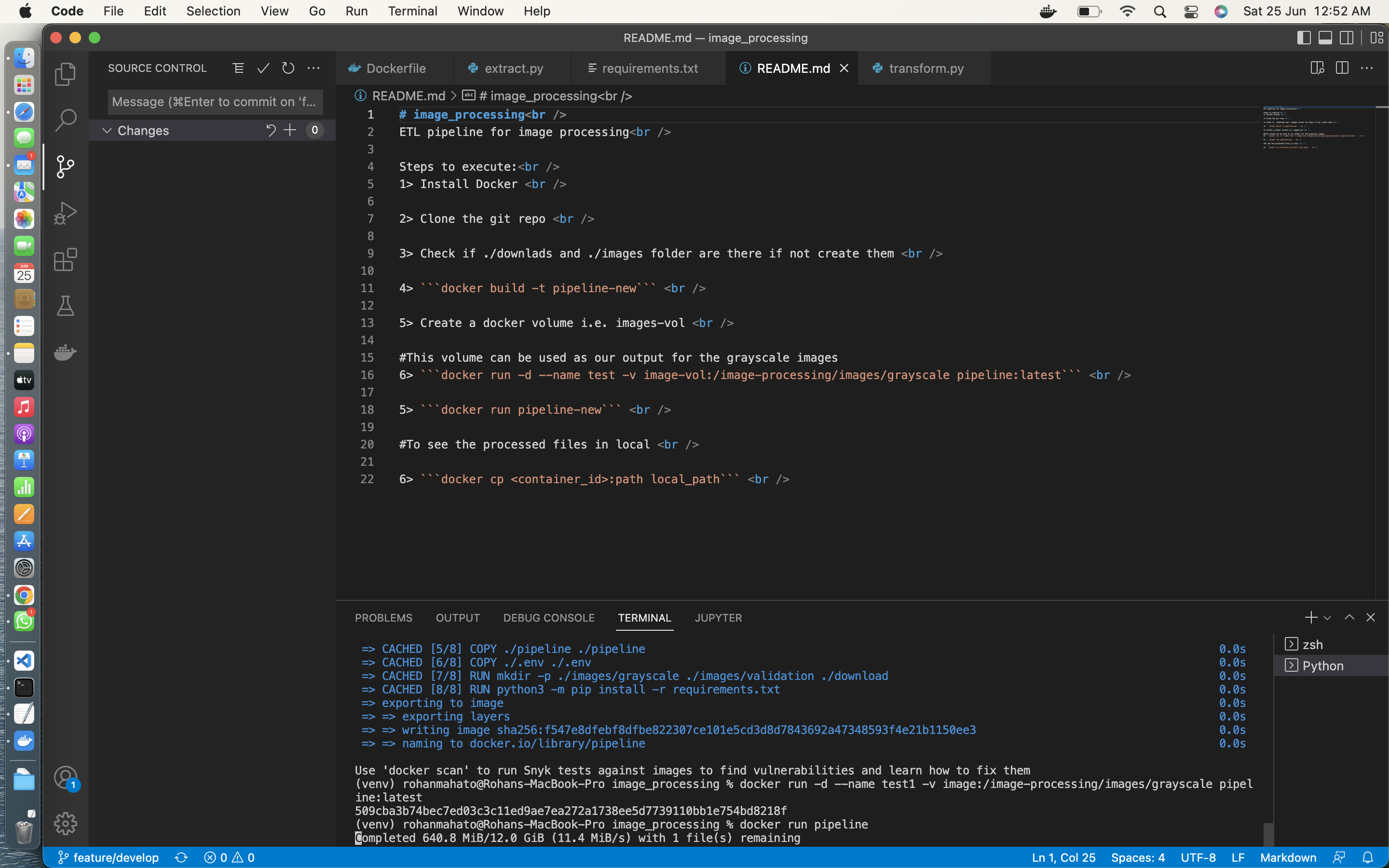
ETL pipeline for image processing
Steps to execute:
1> Install Docker
2> Clone the git repo
#If you want to run and check it in local machine
3> Check if ./downlads and ./images folder are there if not create them
4> docker build -t pipeline-new .
5> Create a docker volume i.e. images-vol
#This volume can be used as our output for the grayscale images
6> docker run -d \ --name test \ --env-file .env \ -v $(pwd)/download:/image-processing/download \ -v image-vol:/image-processing/images \ pipeline-new
7> If you want to change the path you can edit the same in .env file
8> docker run pipeline-new
#To see the processed files in local
9> docker cp <container_id>:path local_path
#output snippits