A Flutter animation package inspired by Animate.css, built with zero external dependencies.




Every animation widget ships with sensible defaults and is fully customizable. Drop it around any widget and you're done.
| Property | Type | Description |
|---|---|---|
key |
Key | Optional widget key reference |
child |
Widget | Required widget to animate |
duration |
Duration | Duration of the animation |
delay |
Duration | Delay before the animation starts |
from |
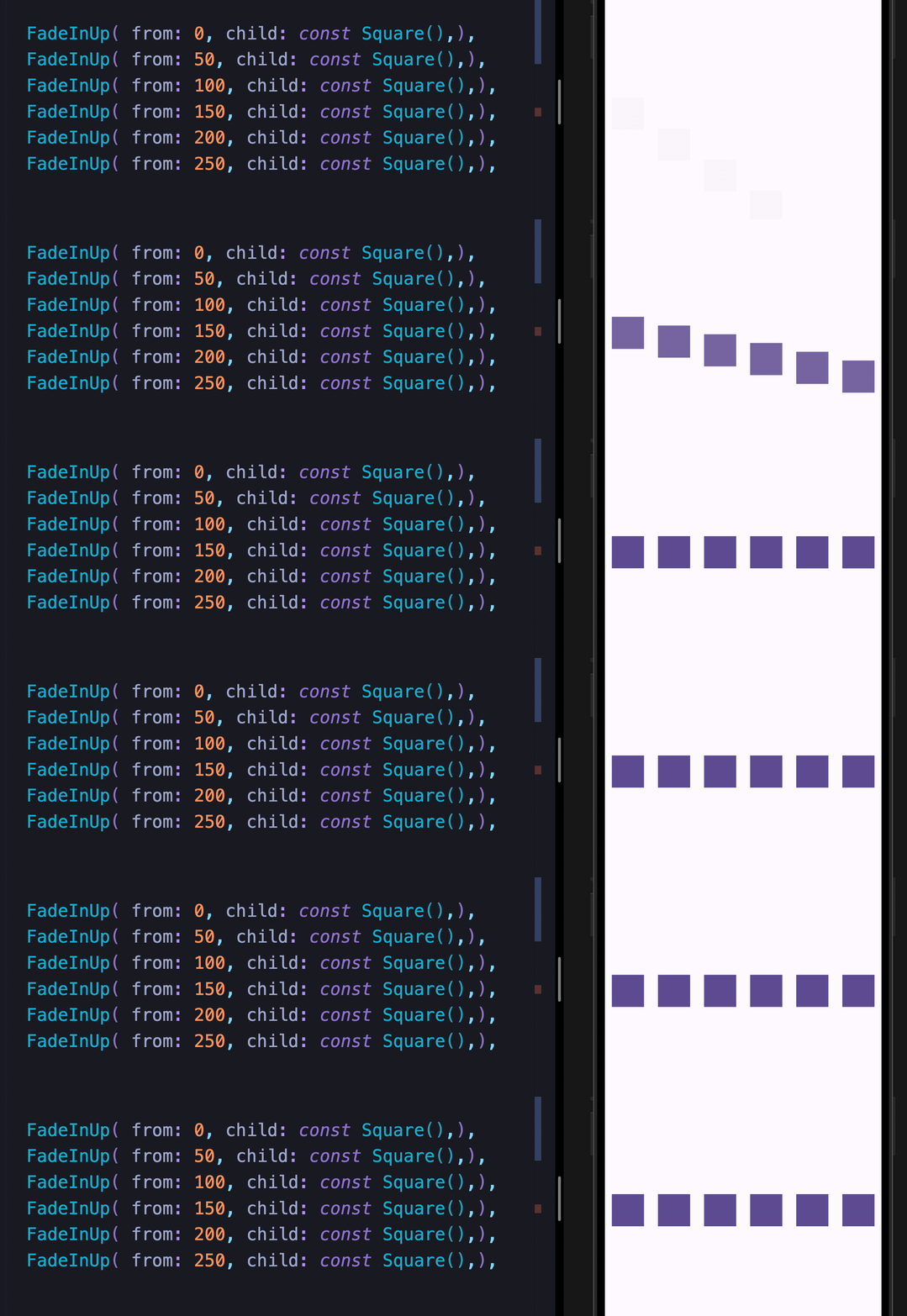
double | Initial or final value for more pronounced slide/fade effects |
animate |
bool | Toggle false → true to trigger; works with setState, Bloc, Provider, Redux, etc. |
infinite |
bool | Loops the animation indefinitely |
spins |
double | Number of rotations — applies to Spin, Roulette, SpinPerfect |
manualTrigger |
bool | Disables auto-play; requires the controller callback to drive the animation |
controller |
Function | Exposes the AnimationController for advanced control |
onFinish |
Function | Callback fired when the animation completes; receives an AnimateDoDirection (forward / backward) |
curve |
Curve | Custom easing curve |
| FadeIn | FadeInDown | FadeInDownBig | FadeInUp |
| FadeInUpBig | FadeInLeft | FadeInLeftBig | FadeInRight |
| FadeInRightBig |
| FadeOut | FadeOutDown | FadeOutDownBig | FadeOutUp |
| FadeOutUpBig | FadeOutLeft | FadeOutLeftBig | FadeOutRight |
| FadeOutRightBig |
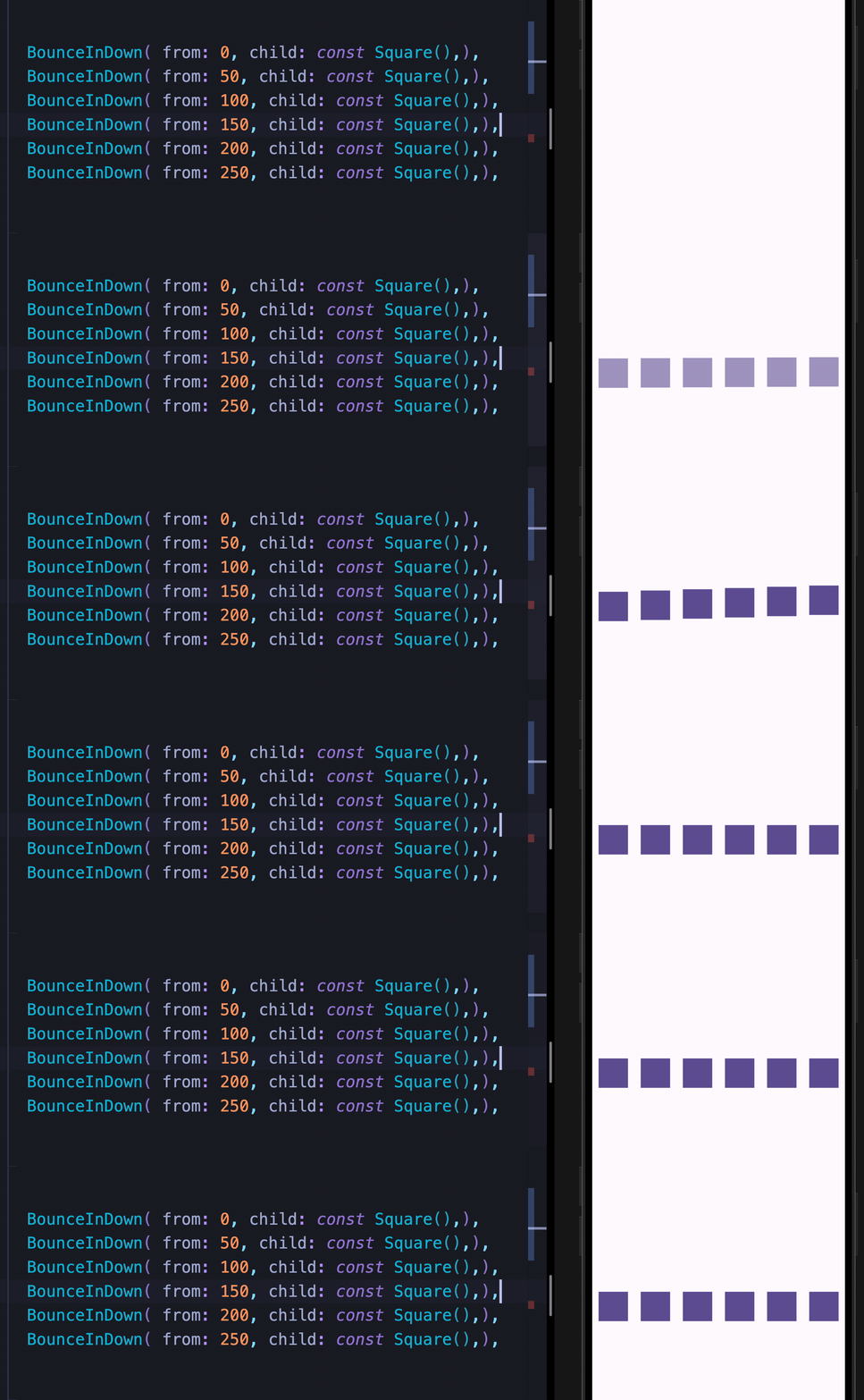
| BounceInDown | BounceInUp | BounceInLeft | BounceInRight |
| ElasticIn | ElasticInDown | ElasticInUp | ElasticInLeft |
| ElasticInRight |
| SlideInDown | SlideInUp | SlideInLeft | SlideInRight |
| BackInDown | BackInUp | BackInLeft | BackInRight |
| BackOutDown | BackOutUp | BackOutLeft | BackOutRight |
| FlipInX | FlipInY |
| ZoomIn | ZoomOut |
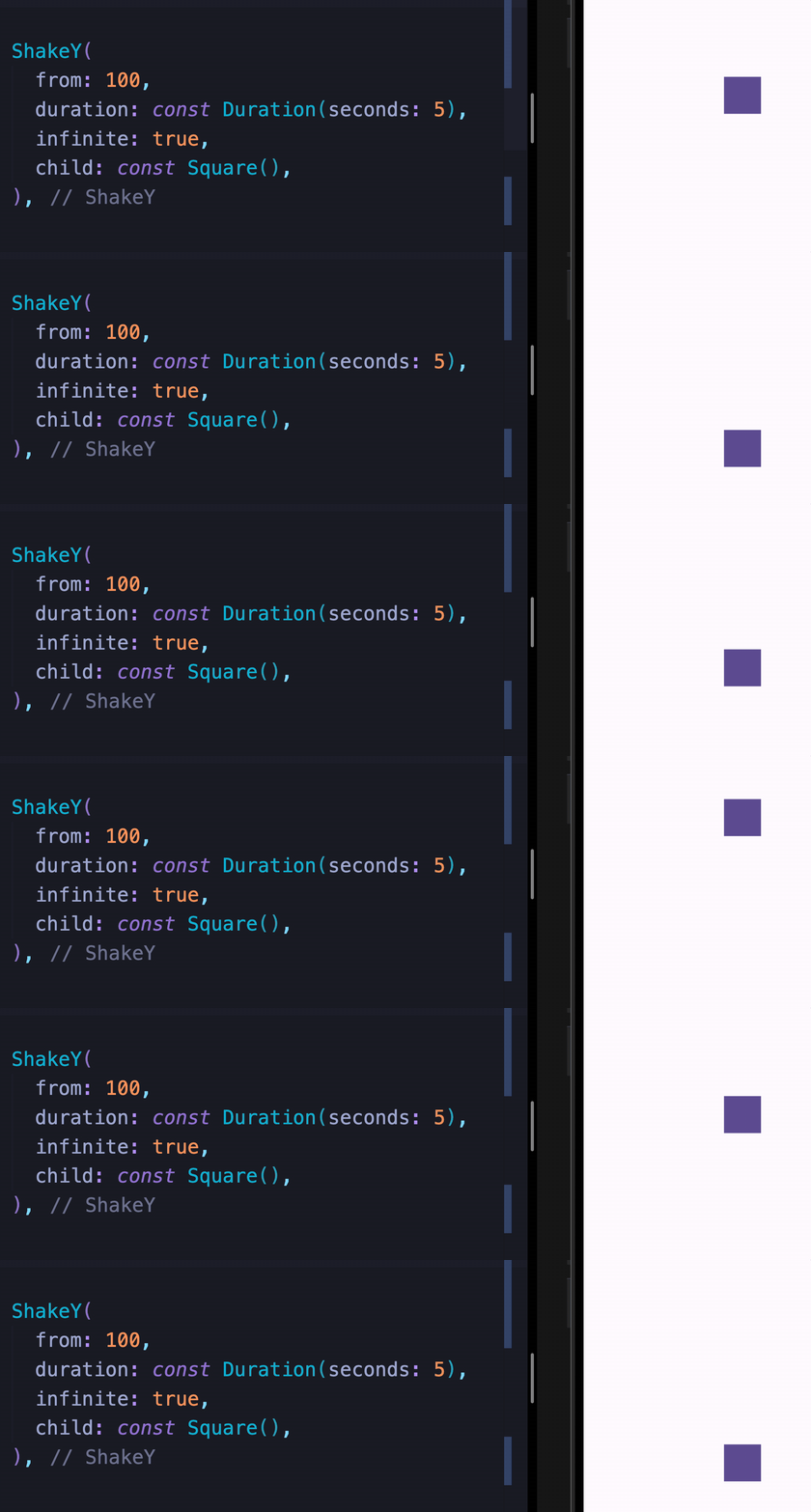
All attention seekers support the infinite property to loop indefinitely.
| Bounce | Dance | Flash | Pulse |
| Flip | Roulette | ShakeX | ShakeY |
| Spin | SpinPerfect | Swing | HeartBeat |
| Wobble | Jello | Tada | RubberBand |
These widgets let you move widgets around the screen and chain them with any other animation.
| MoveTo | MoveToArc |
Both syntaxes are fully supported. Use whichever feels more natural to you.
Row(
  mainAxisAlignment: MainAxisAlignment.spaceAround,
  children: [
    const Square().fadeInLeft(),
    const Square().fadeInUp(),
    const Square().fadeInDown(),
    const Square().fadeInRight(),
  ],
)Row(
mainAxisAlignment: MainAxisAlignment.spaceAround,
children: [
FadeInLeft(child: Square()),
FadeInUp(child: Square()),
FadeInDown(child: Square()),
FadeInRight(child: Square()),
],
)Chain multiple animations sequentially using the sugar syntax:
Square()
  .tada()
  .wobble()
.fadeIn()const Square()
.moveTo(top: 30)
.moveTo(
left: 30,
delay: const Duration(seconds: 1),
)
.moveToArc(
bottom: 30,
right: 30,
delay: const Duration(seconds: 2),
)
.fadeOut(
delay: const Duration(seconds: 2),
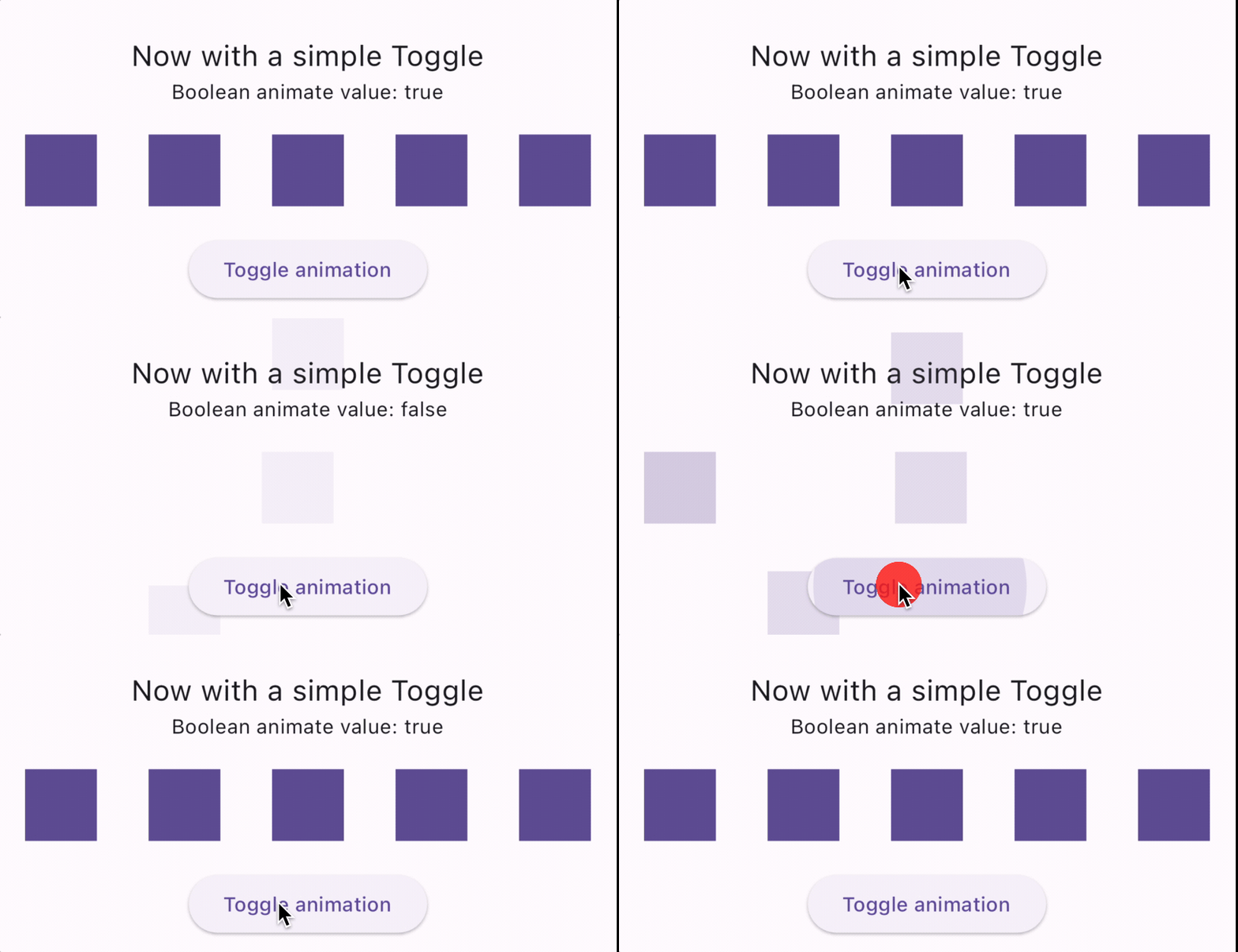
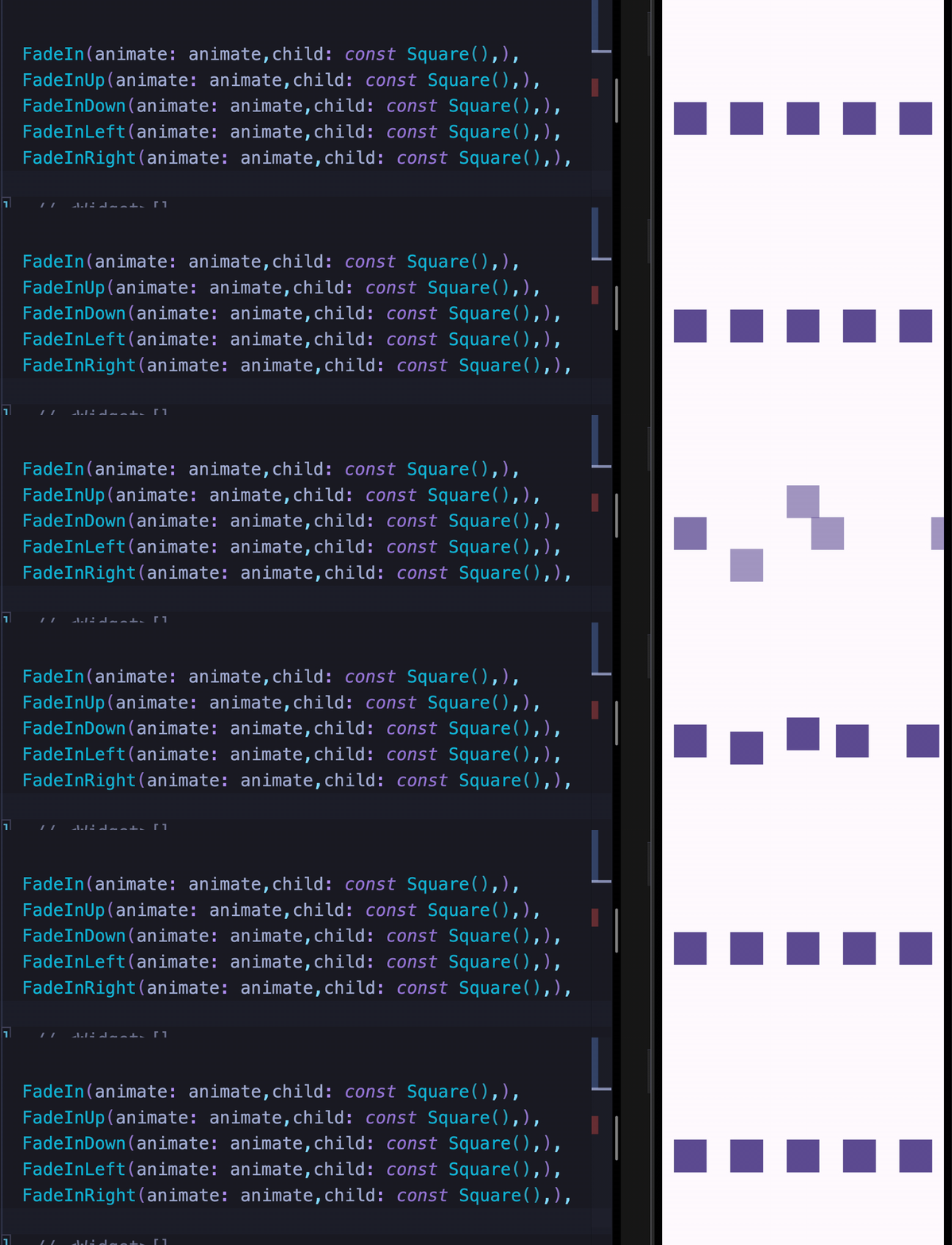
)Set animate: true to play forward, animate: false to reverse. Works with any state management solution.

FadeIn(animate: animate, child: const Square())
FadeInUp(animate: animate, child: const Square())
FadeInDown(animate: animate, child: const Square())
FadeInLeft(animate: animate, child: const Square())
FadeInRight(animate: animate, child: const Square())The onFinish callback fires when an animation completes, passing an AnimateDoDirection value (forward or backward).
Sugar syntax
const Square().fadeIn(
  animate: animate,
  delay: const Duration(milliseconds: 100),
  onFinish: (direction) => print('$direction'),
),
Class syntax
FadeIn(
  animate: animate,
  delay: const Duration(milliseconds: 100),
  onFinish: (direction) => print('$direction'),
  child: const Square(),
),Use manualTrigger: true together with the controller callback to drive the animation yourself — useful when you need full control over playback.
Note: When using
manualTrigger, you are responsible for callingcontroller.forward()andcontroller.reverse()explicitly.
class _MyWidgetState extends State<MyWidget> {
  late AnimationController animateController;

  @override
  Widget build(BuildContext context) {
    return FadeInUp(
      manualTrigger: true,
      controller: (controller) => animateController = controller,
      child: YourWidget(),
    );
  }
}
For complete runnable examples, see the example folder.
If you find this package useful, consider leaving a like on pub.dev. Feedback and suggestions are always welcome.