Connect data from different sources in one place and turn it into shareable insights. Analytics lets teams build flexible panoramas, dashboards, and reports with seamless Nextcloud integration.
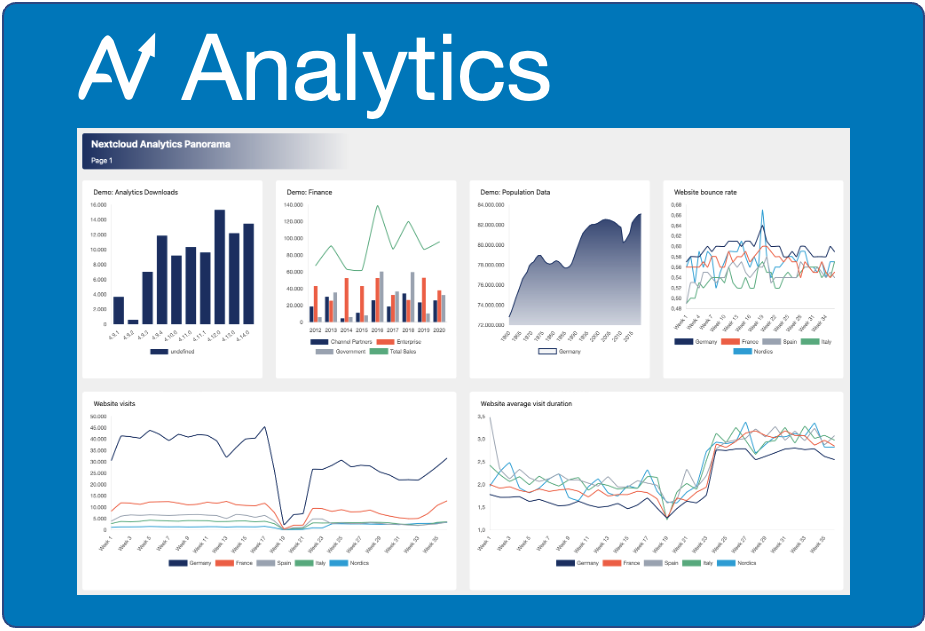
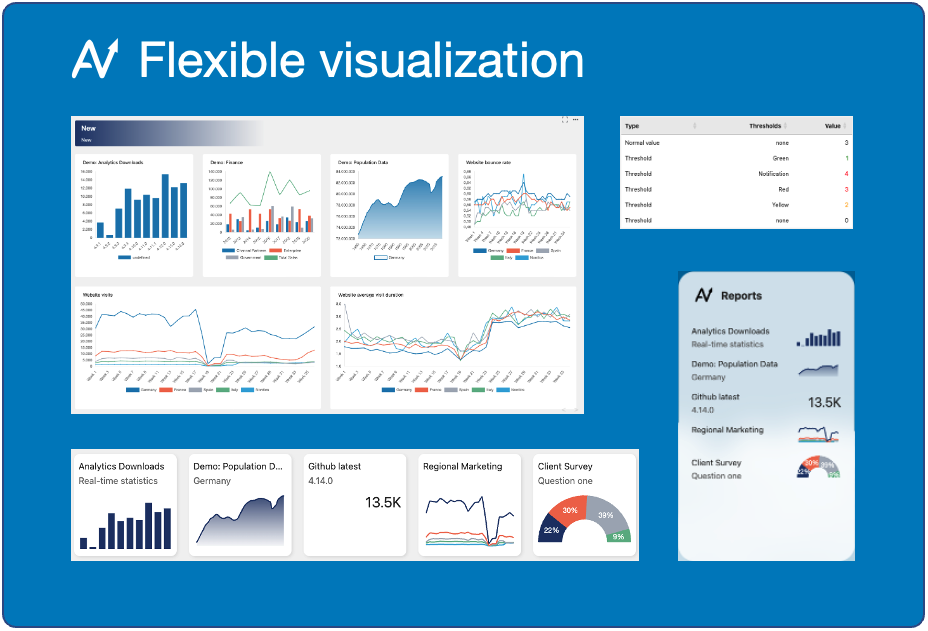
- Centralize data: combine CSV, spreadsheets, APIs, and Nextcloud apps in one place.
- Analyze faster: use charts, tables, filters, and panoramas to explore data quickly.
- Share securely: collaborate with users, groups, or share links with fine-grained access.
- Automate updates: schedule data loads and keep reports current.
- Visualization: panoramas, charts, tables, filters
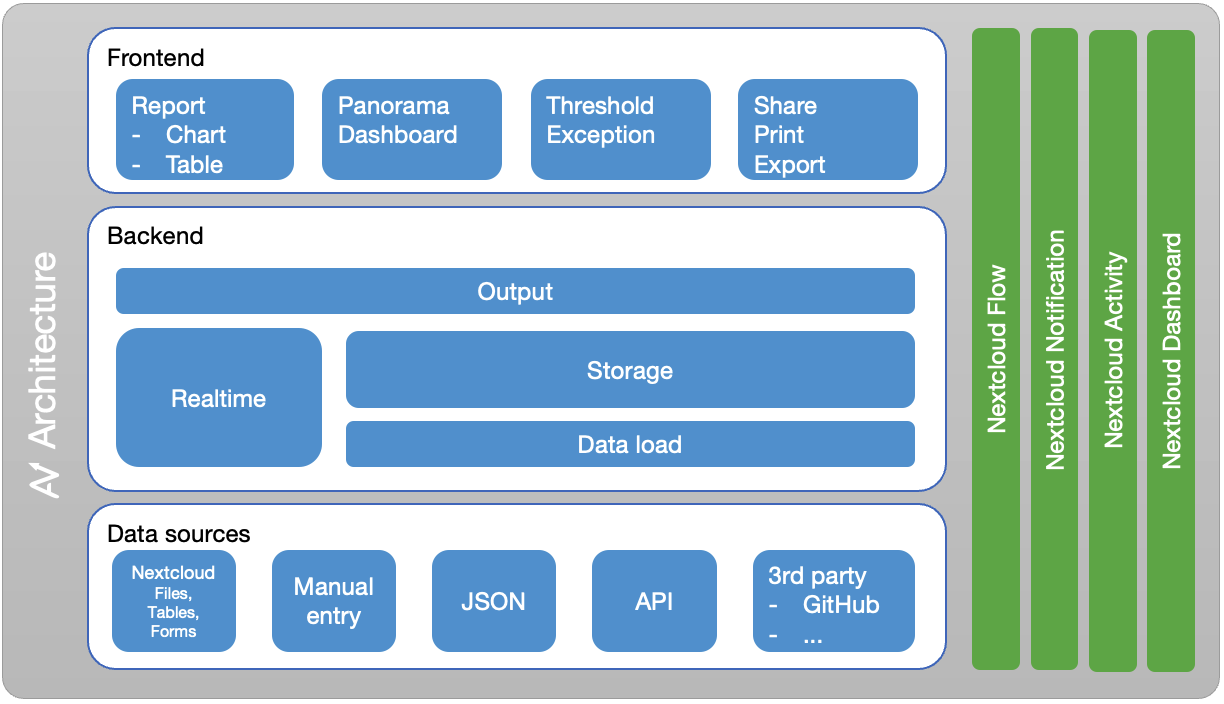
- Data sources:
- CSV, spreadsheets, API, imports, manual entry
- Nextcloud Files, Forms, Tables
- External sources: GitHub, website grabber, JSON
- Extensible: register custom data sources from other apps
- Storage: real-time or database
- Automation: scheduled data loads
- Functions: trend calculations, dis-/aggregation
- Alerts: thresholds for notifications and color coding
- Integration: Files, Activity, Notifications, Flow, Dashboard, Search, Smart picker, Translation
- AI Assistant: Context Chat integration
- Install via the Nextcloud App Store.
- Create a report or panorama.
- Connect a data source or upload a file.
- Share the result with your team.
Support translations on Transifex.
- Marcel Scherello (author, project leader)
Supported by PhpStorm from JetBrains