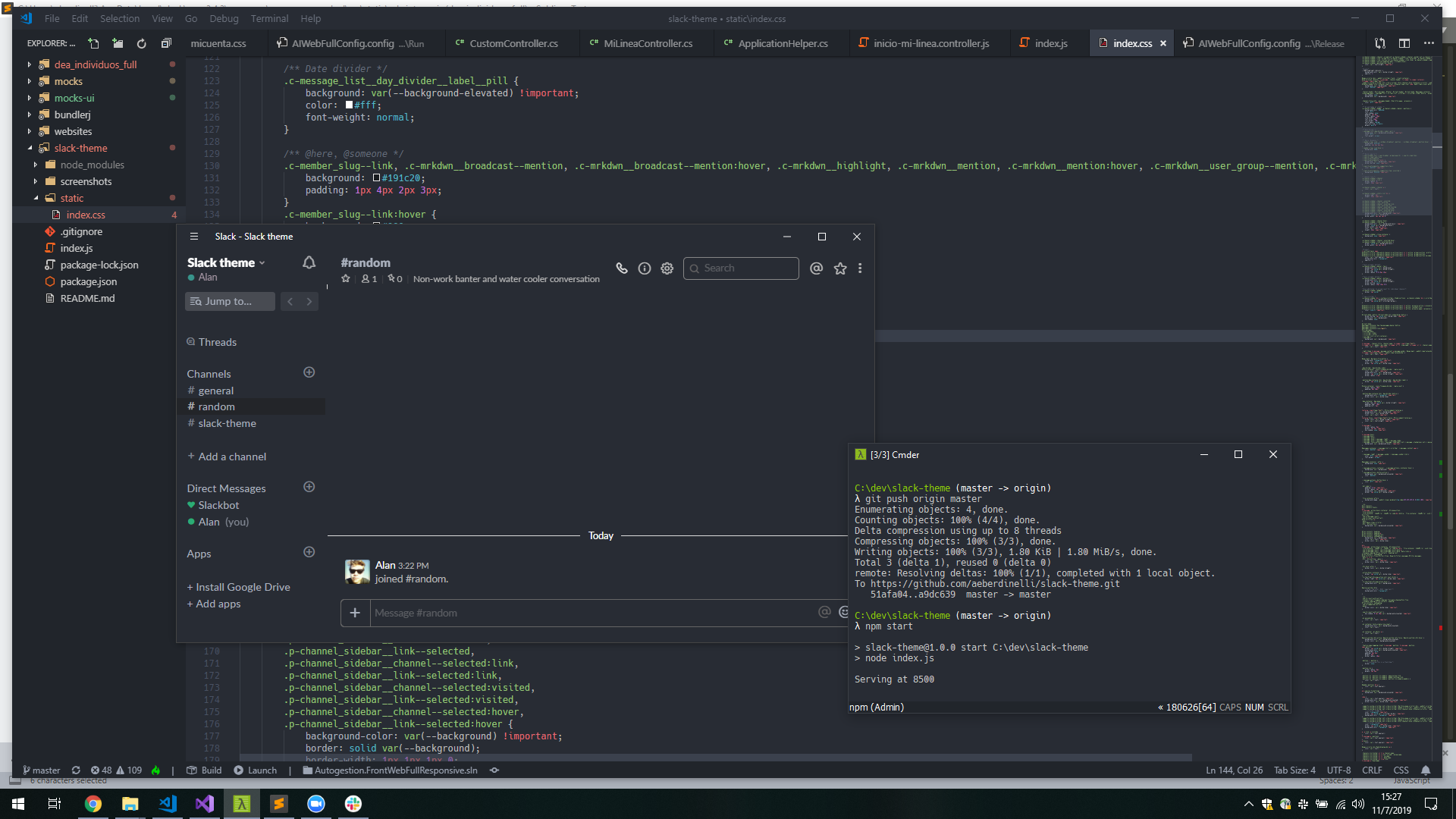
You need to patch slack, you can do it like this:
- Close slack completely. Then, find out where slack is installed. By default on Windows, it will be in
C:\Users\your_username\AppData\Local\slack. - Inside your slack folder, go into
resources/app.asar.unpacked/src/static/and openssb-interop.jswith a text editor. - Put the following contents at the end of that file:
document.addEventListener("DOMContentLoaded", function() {
   let webviews = document.querySelectorAll(".TeamView webview");

   const cssPath = 'https://raw.githubusercontent.com/aeberdinelli/slack-theme/master/static/index.css';

   let cssPromise = fetch(cssPath).then(response => response.text());

   let customCustomCSS = `
   :root {
      /* Modify these to change your theme colors: */
     --primary: #32353b;
     --accent: #568AF2;
     --text: #ABB2BF;
     --background: #282C34;
     --background-elevated: #282C34;

     /* These should be less important: */
     --background-hover: #232529;
     --background-light: #AAA;
     --background-bright: #FFF;

     --border-dim: #666;
     --border-bright: var(--primary);

     --text-bright: #FFF;
     --text-dim: #555c69;
     --text-special: #56b6c2;
     --text-accent: var(--text-bright);

     --scrollbar-background: #000;
     --scrollbar-border: var(--primary);

     --yellow: #fc0;
     --green: #98C379;
     --cyan: #56B6C2;
     --blue: #61AFEF;
     --purple: #C678DD;
     --red: #E06C75;
     --red2: #BE5046;
     --orange: #D19A66;
     --orange2: #E5707B;
     --gray: #3E4451;
     --silver: #9da5b4;
     --black: #21252b;
      }
   `

   // Insert a style tag into the wrapper view
   cssPromise.then(css => {
      let s = document.createElement('style');
      s.type = 'text/css';
      s.innerHTML = css + customCustomCSS;
      document.head.appendChild(s);
   });

   // Wait for each webview to load
   webviews.forEach(webview => {
      webview.addEventListener('ipc-message', message => {
         if (message.channel == 'didFinishLoading')
            // Finally add the CSS into the webview
            cssPromise.then(css => {
               let script = `
                     let s = document.createElement('style');
                     s.type = 'text/css';
                     s.id = 'slack-custom-css';
                     s.innerHTML = \`${css + customCustomCSS}\`;
                     document.head.appendChild(s);
                     `
               webview.executeJavaScript(script);
            })
      });
   });
});- Is a good idea to backup the file once you updated it so you can easily re-apply the changes if slack changes it while updating the app.
You can run a local webserver so the script you updated works with local changes:
- Install NodeJS >= 10
- Clone this repository:
git clone https://github.com/aeberdinelli/slack-theme.git - Install dependencies:
cd slack-theme && npm install - Run the webserver:
npm start - Finally, update your slack file so it request your local file instead of the one in the repository, open from your slack folder
resources/app.asar.unpacked/src/static/ssb-interop.jsand change:
- const cssPath = 'https://raw.githubusercontent.com/aeberdinelli/slack-theme/master/static/index.css';
+ const cssPath = 'http://localhost:8500/index.css';