Run AI coding agents in secure containers. They make commits, you pull them back.
| Agent | Flag | Status |
|---|---|---|
| Claude Code | --agent claude (default) |
Supported |
| Cursor CLI | --agent cursor |
Supported |
| Gemini CLI | --agent gemini |
Supported |
| OpenClaw | --agent openclaw |
Supported |
Agents are installed automatically inside the container — no local agent installation needed. You just need authentication credentials for your chosen provider.
- Isolated execution: Your agent runs in a container, not on your host machine
- Safe autonomous mode: Enable
--yolowithout fear — the agent can't send your code anywhere - Git-based workflow: The agent commits inside the container, you
git pullthe changes - Run anywhere: Locally with Podman or Docker, remotely via SSH, or on OpenShift
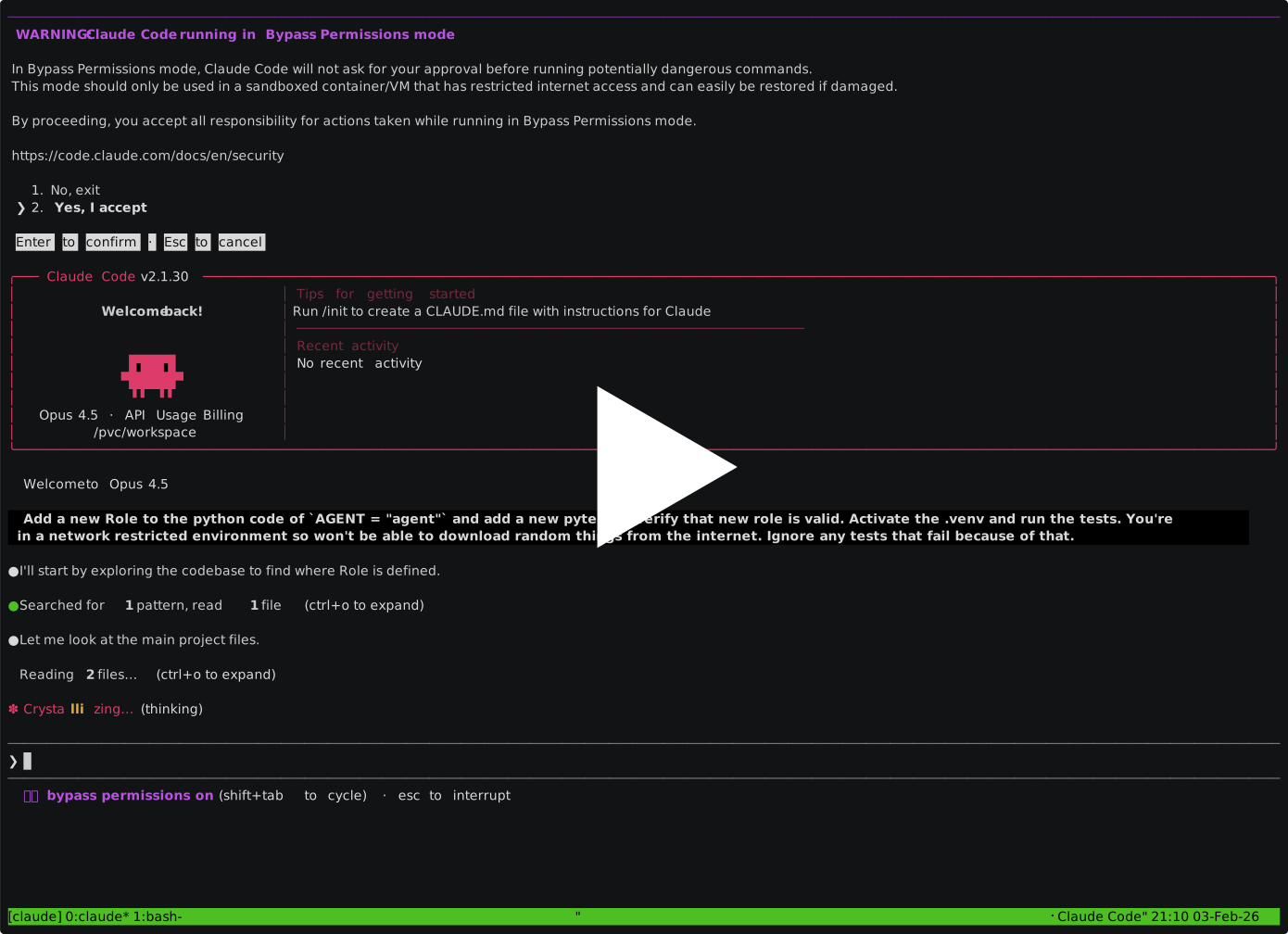
The demo shows Claude Code, but the workflow is identical with other agents.
Container runtime: Podman or Docker for local use, or an OpenShift cluster for remote execution.
Authentication — set up credentials for your chosen provider:
Google Cloud / Vertex AI (Claude Code, Gemini CLI, OpenClaw)
Install the Google Cloud SDK, then:
gcloud auth application-default loginSet your project (find the ID in Google Cloud Console):
# Claude Code via Vertex
export CLAUDE_CODE_USE_VERTEX=1
export ANTHROPIC_VERTEX_PROJECT_ID=your-project-id
export GOOGLE_CLOUD_PROJECT=your-project-id

# Gemini CLI / OpenClaw via Vertex
export GOOGLE_CLOUD_PROJECT=your-project-id
Anthropic API key (Claude Code, OpenClaw)
export ANTHROPIC_API_KEY=your-api-keyFor OpenClaw, also pass --provider anthropic:
paude create --agent openclaw --provider anthropic ...OpenAI API key (OpenClaw)
export OPENAI_API_KEY=your-api-key
paude create --agent openclaw --provider openai ...
Cursor
agent login # or set CURSOR_API_KEY=your-api-keymacOS note: On Mac hosts,
CURSOR_API_KEYis the simplest authentication method. Without it, each paude session requires a separate browser-based OAuth login viaagent logininside the container.
uv tool install paudeFirst run: Paude pulls container images on first use. This takes a few minutes; subsequent runs start immediately.
# OpenClaw — browser-based, no local agent install needed
paude create --agent openclaw --allowed-domains "default openclaw" my-project

# Claude Code (default)
cd your-project
paude create --yolo --git my-project

# Cursor CLI
paude create --agent cursor --yolo --git my-project

# Gemini CLI
paude create --agent gemini --yolo --git my-project

# Connect to a CLI agent's running session
paude connect my-project

# Pull the agent's commits (use your branch name):
git pull paude-my-project main
You'll know it's working when: For CLI agents, paude connect shows the agent interface and git pull brings back commits. For OpenClaw, paude connect prints a URL — open it in your browser.
Export agent telemetry (metrics, logs, traces) to any OTLP-compatible collector:
paude create --otel-endpoint http://collector:4318 my-projectThe endpoint hostname is automatically added to the proxy allowlist and non-standard ports (like 4318) are opened in the proxy. Supported agents: Claude Code, Gemini CLI, OpenClaw. Set otel-endpoint in ~/.config/paude/defaults.json to apply globally.
paude create --yolo my-project -a '-p "refactor the auth module"'Or just start the session and type your request in the agent interface.
- Run
paude --helpfor all options and examples - Run
paude listto check session status - Use
paude create --dry-runto verify configuration - Use
paude start -vfor verbose output (shows sync progress) - Check credentials:
gcloud auth application-default print-access-token(Vertex/Gemini) or verify your API key is exported
Learn more:
- Session Management — commands, lifecycle, code sync
- Configuration — defaults, network domains, GitHub CLI, custom environments
- Security Model — attack vectors,
--yolosafety, residual risks - Orchestration — fire-and-forget workflow, harvest, PRs
- Remote Hosts & Docker — SSH remotes, Docker backend, GPU passthrough
- OpenShift Backend — remote execution on Kubernetes
Your Machine                    Container
    |                              |
    |-- git push ----------------▶ |  Agent works here
    |                              |  (network-filtered)
    ◀-- git pull -----------------|
    |                              |
- Git is the sync mechanism — your local files stay untouched until you pull
--yolois safe because network filtering blocks the agent from sending data to arbitrary URLs- The agent can only reach its API (e.g., Vertex AI) and package registries (e.g., PyPI) by default
git clone https://github.com/bbrowning/paude
cd paude
uv venv --python 3.12 --seed
source .venv/bin/activate
pip install -e .- Python 3.11+ (for the Python package)
- Podman or Docker (for local backend)
- OpenShift CLI
oc(for OpenShift backend) - Auth credentials for your provider (Google Cloud SDK, API key, etc.)
See CONTRIBUTING.md for development setup, testing, and release instructions.
MIT