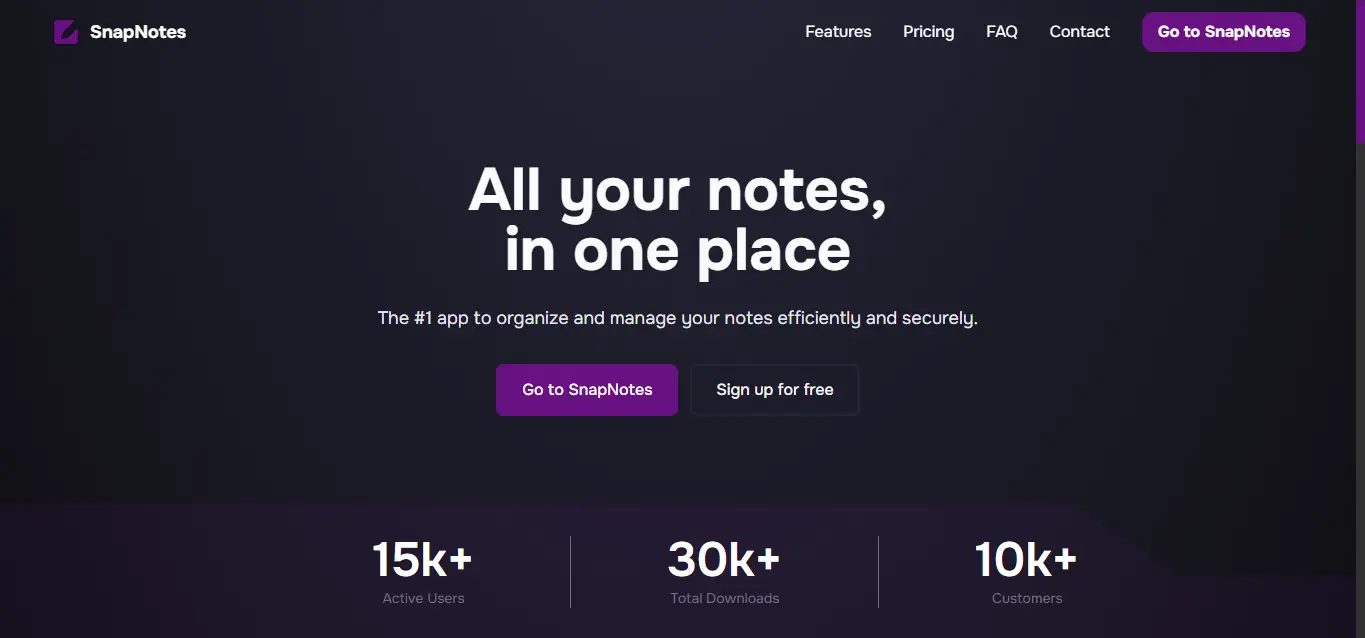
A modern note-taking application that allows you to capture, organize, and manage your notes with ease.
frontend: Next.js + React + Tailwindbackend: Express + Prisma + PostgreSQL
- Authentication with cookie-based sessions
- Notes CRUD (create, read, update, delete)
- Pin/unpin notes
- Plan/subscription update flow from billing
snap-notes/
├─ frontend/            # Next.js app
├─ backend/             # Express + Prisma API
├─ pnpm-workspace.yaml
└─ README.md
- Node.js 20+
- pnpm 10+
- PostgreSQL database
- Clone the repository.
git clone https://github.com/yourusername/snap-notes.git
cd snap-notes- Install dependencies.
pnpm installCreate frontend/.env using frontend/.env.example:
NEXT_PUBLIC_BACKEND_URL=http://localhost:3001
NEXT_PUBLIC_STRIPE_PUBLISHABLE_KEY=
Create backend/.env using backend/.env.example:
PORT=3001
DATABASE_URL=postgresql://USER:PASSWORD@HOST:5432/DB_NAME?sslmode=require
AUTH_JWT_SECRET=your_super_secret_key
AUTH_COOKIE_NAME=snapnotes_session
STRIPE_SECRET_KEY=
Note for testing: You must also create a
backend/.env.testfile with similar variables. Make sure to create a PostgreSQL database namedtestand point theDATABASE_URLin your.env.testto this test database in order to run the backend tests.
From the workspace root:
pnpm --filter backend exec prisma generate
pnpm --filter backend exec prisma migrate deploy
For local development with new migrations:
pnpm --filter backend exec prisma migrate devRun each service in a separate terminal from the workspace root.
Terminal 1 (backend):
pnpm --filter backend devTerminal 2 (frontend):
pnpm --filter frontend devOpen http://localhost:3000.
# frontend
pnpm --filter frontend dev
pnpm --filter frontend build
pnpm --filter frontend lint

# backend
pnpm --filter backend dev
pnpm --filter backend format
pnpm --filter backend format:checkThis project is licensed under the MIT License. See LICENSE.